
Manual checkout
Select your plan and submit receipt
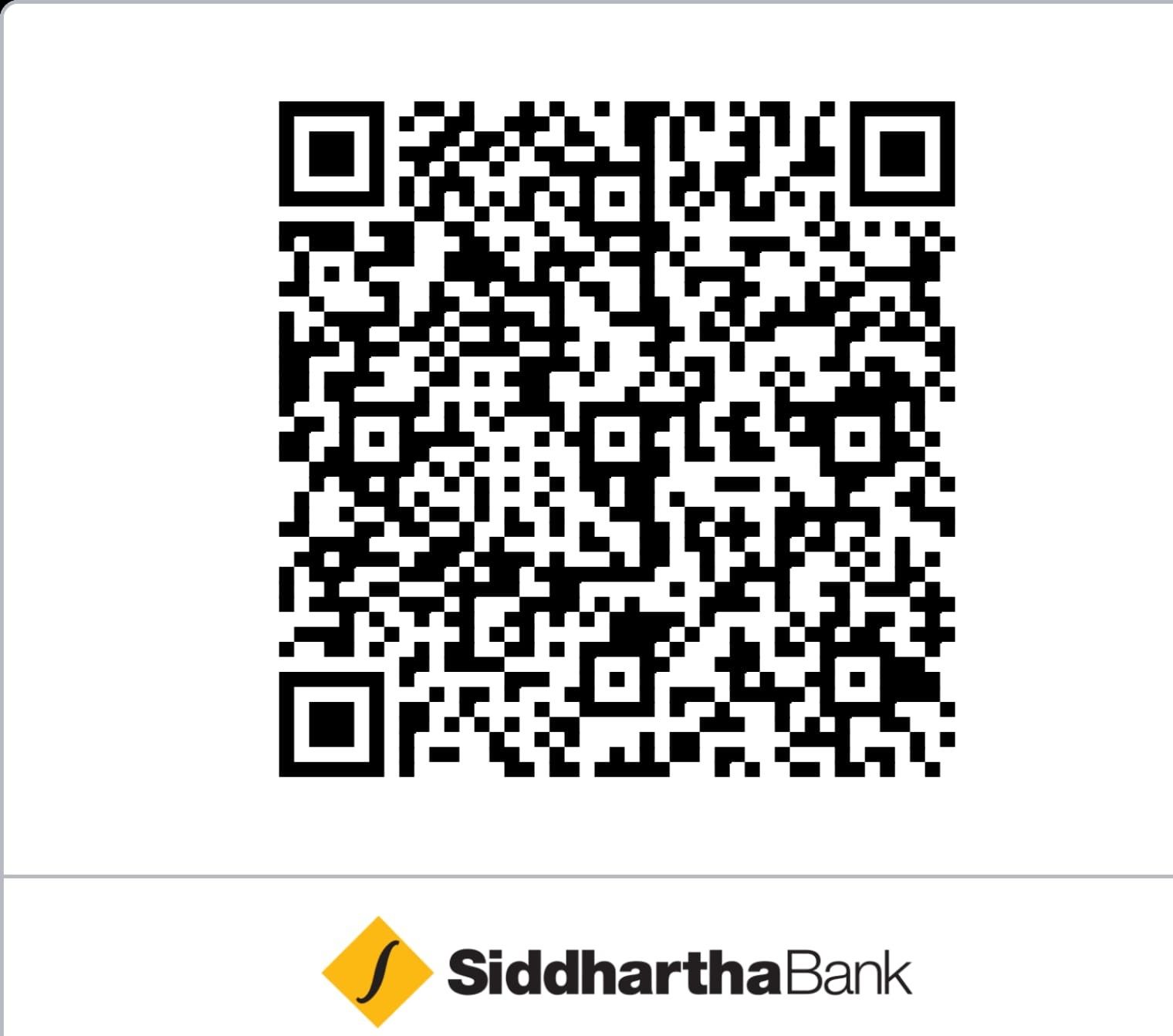
Pick a duration, pay via QR or bank transfer, then upload your screenshot.
Course content
What you'll learn
Key skills and knowledge you'll gain from this course.
Build a strong foundation in General Knowledge topics.
Master Public Management and Office Procedure concepts.
Prepare effectively for Section A and B of the written exam.
Practice with thousands of relevant MCQs.
What's included
Course includes
Everything you get with this course.
Comprehensive Notes on General Knowledge
Detailed modules on Public Management
Practice MCQs for both sections
Regular Online Mock Exams
How does manual payment work?
Follow these steps to complete your enrolment. It usually takes only a few minutes.
Choose a plan
Select the access duration that works for you. The final promo price is shown before you submit.
Scan QR or bank transfer
Pay the exact amount using your wallet, mobile banking app, or direct bank transfer.
Screenshot confirmation
Capture a receipt that clearly shows the paid amount, date, and transaction ID.
Upload and submit
Upload the receipt screenshot. Access is activated after our team verifies your payment.
Frequently asked questions
How long does verification take?
Most payments are verified within 20 minutes to 1 hour on business days.
What if I paid the wrong amount?
Contact support with your transaction ID before submitting again. The team can help match or correct the payment.
Is the promo applied automatically?
Yes. Active promotions are reflected in the final price shown on this page. No coupon code is needed.
When does my access start?
Your access starts after the receipt is verified and the enrolment is activated in the GyanUdaan app.
Still need help?
Our support team can help with payment issues, app account matching, and access questions.